Running the Setup Play
As a final configuration check list your servers from within the momod directory:
If that looks good then run the setup playbook:
The setup playbook specifies the [setup] group and will only run on hosts in that group.
Once setup has run successfully remove your hosts from the [setup] group in hosts.ini and move it to [prod] or any other groups you choose to define.
If you ever wish to rerun setup you’ll need to change setup_ansible_user to your ‘ansible_user account’, usually yourself.
Test SSH login
Your user account (as defined in host_vars/alice/main.yml) should now be set up. Try logging in:
You’ll get an error message! The sshd role run during the setup play regenerates the host SSH keys to stronger versions. You need to edit your local .ssh/known_hosts file to remove the old keys then try again:
You’ll be asked whether to allow the connection (as usual for a first time SSH connection) answer yes and you should be connected.
Here’s a screenshot of the configured shell prompt and a file listing.
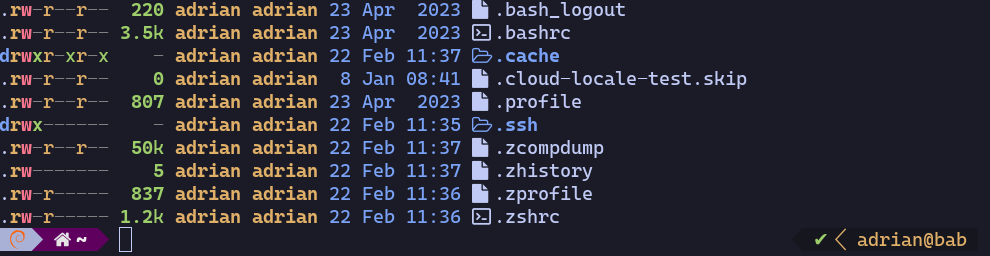
We’re now ready to run the main playbook and get the server doing something useful. (But take a break now if you need too!)